Master Data Science & Analytics: Turn Data into Decisions
Comprehensive Training in Python, SQL, Power BI, Tableau, and Advanced Analytics
In today’s digital economy, data is the new currency. However, raw data is useless without the skills to analyze, visualize, and interpret it. Organizations across the globe are desperate for professionals who can transform millions of data points into actionable business insights. At Tulsi Academy, our Data Science & Analytics curriculum is designed to take you from data novice to decision-maker.
Whether you want to master the code behind data science or become an expert in visual storytelling with BI tools, our courses provide the practical, hands-on training you need to thrive in this high-growth industry.
Python is the undisputed king of data science. This module focuses on the full spectrum of data science using Python’s powerful ecosystem.
Python Foundations for Data:
Master Python syntax, data structures (Lists, Dictionaries, Sets), and control flow specifically tailored for data tasks.
Learn to use Jupyter Notebooks for interactive coding and data exploration.
Data Manipulation & Cleaning:
NumPy: Perform high-performance numerical computations and handle large multi-dimensional arrays.
Pandas: The core tool for data science. Learn to import, clean, filter, and manipulate structured data using DataFrames.
Handle missing values, outliers, and inconsistent data formats.
Data Analysis & Visualization:
Matplotlib & Seaborn: Create stunning static and interactive visualizations (histograms, scatter plots, heatmaps) to uncover trends.
Introduction to Machine Learning (with Scikit-Learn):
Implement basic supervised learning algorithms like Linear Regression and Decision Trees to make predictions.
Data Analytics
Data Analytics is the bridge between raw data and business strategy. This module focuses on statistical analysis and interpreting data to solve real-world problems.
Statistical Analysis:
Understand Descriptive Statistics (Mean, Median, Mode, Standard Deviation) to summarize data.
Grasp Inferential Statistics (Hypothesis Testing, A/B Testing, P-values) to make data-driven decisions.
Exploratory Data Analysis (EDA):
Develop the intuition to explore datasets and find patterns or anomalies before modeling.
Learn to identify correlations and causations between variables.
Domain-Specific Analytics:
Apply analytical techniques to specific domains: Marketing (Customer Segmentation), Finance (Risk Analysis), and Sales (Forecasting).
Learn to communicate analytical findings effectively to stakeholders through reports.
Power BI
Microsoft Power BI is a leading business intelligence tool that allows you to create interactive dashboards and reports from raw data.
Data Connectivity & Transformation:
Connect to various data sources: Excel, SQL Server, Web APIs, and Cloud services.
Use Power Query to clean, reshape, and transform messy data into a usable format (ETL processes).
Data Modeling:
Understand Relational Modeling: creating relationships between tables (One-to-One, One-to-Many).
Manage Star Schemas (Fact and Dimension tables) for efficient reporting.
Visualization & DAX:
Create interactive visualizations: Bar charts, Line charts, Maps, Cards, and Slicers.
Learn DAX (Data Analysis Expressions) to create custom calculated columns and measures (e.g., Year-to-Date Sales, Profit Margins).
Publish and share reports via the Power BI Service.
Tableau
Tableau is renowned for its ability to create beautiful, intuitive visualizations that allow users to “see” and understand their data instantly.
Connecting to Data:
Learn to connect Tableau to various data sources (Excel, CSV, SQL) and understand the difference between Live and Extract connections.
Creating Visualizations:
Master the “Show Me” feature to pick the right chart for your data.
Build advanced charts: Heatmaps, Treemaps, Waterfall charts, and Dual-Axis charts.
Use Sets, Groups, and Hierarchies to organize data logically.
Dashboards & Stories:
Combine multiple sheets into interactive Dashboards and add interactivity using Actions (Filter, Highlight, Go to URL).
Create Stories to narrate a data-driven journey from problem to solution.
Perform Level of Detail (LOD) Expressions for complex aggregations.
Excel for Data Analysis
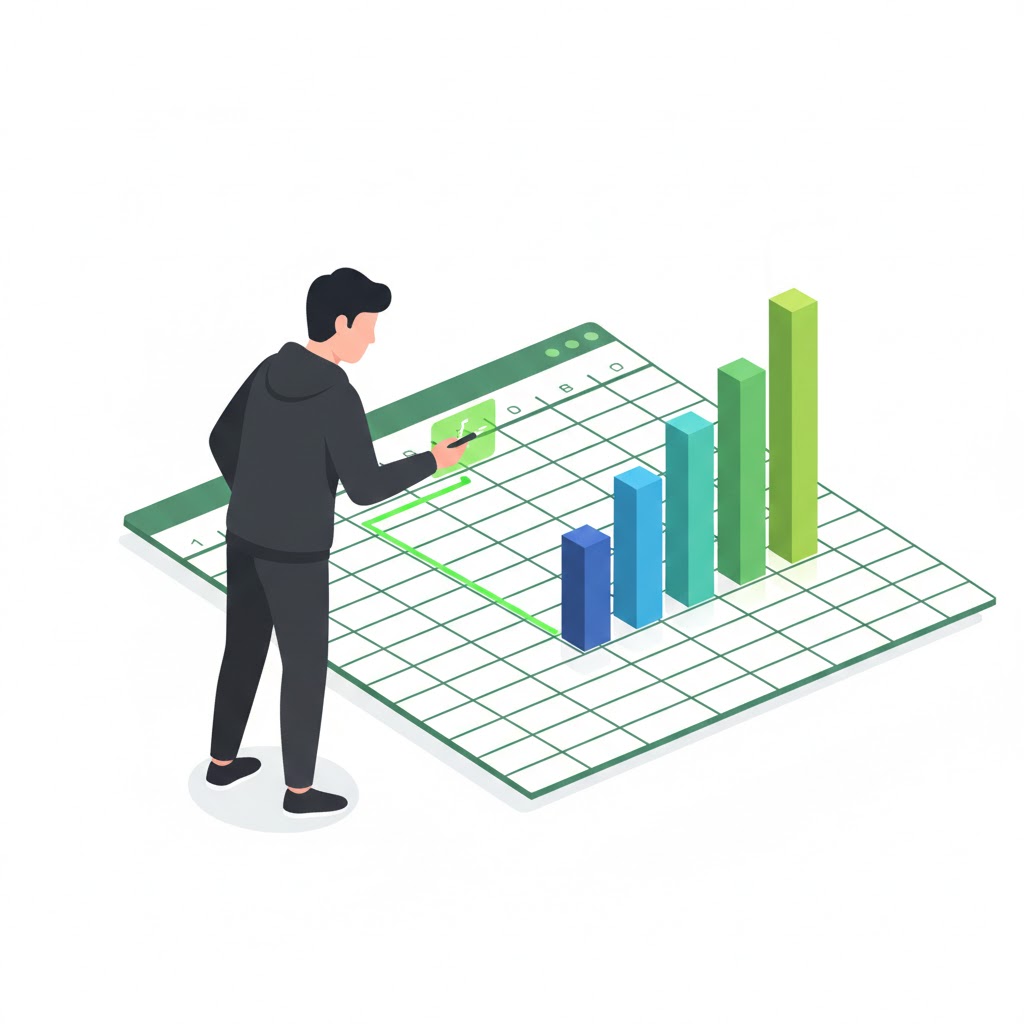
Excel remains the world’s most ubiquitous analytics tool. Mastery of Excel is a fundamental requirement for any data professional.
Advanced Formulas & Functions:
Move beyond basic math to master Lookup Functions (VLOOKUP, XLOOKUP, INDEX-MATCH).
Use logical functions (IF, AND, OR) and text functions to clean and manipulate data.
Data Analysis Features:
Master PivotTables and PivotCharts to summarize and reorganize complex datasets dynamically.
Use What-If Analysis tools (Goal Seek, Solver) for optimization.
Data Cleaning & Automation:
Use Flash Fill and Text to Columns for rapid data cleaning.
Introduction to VBA (Macros) to automate repetitive tasks and workflows.
Learn to create dynamic dashboards using form controls (sliders, combo boxes).
SQL for Data Science
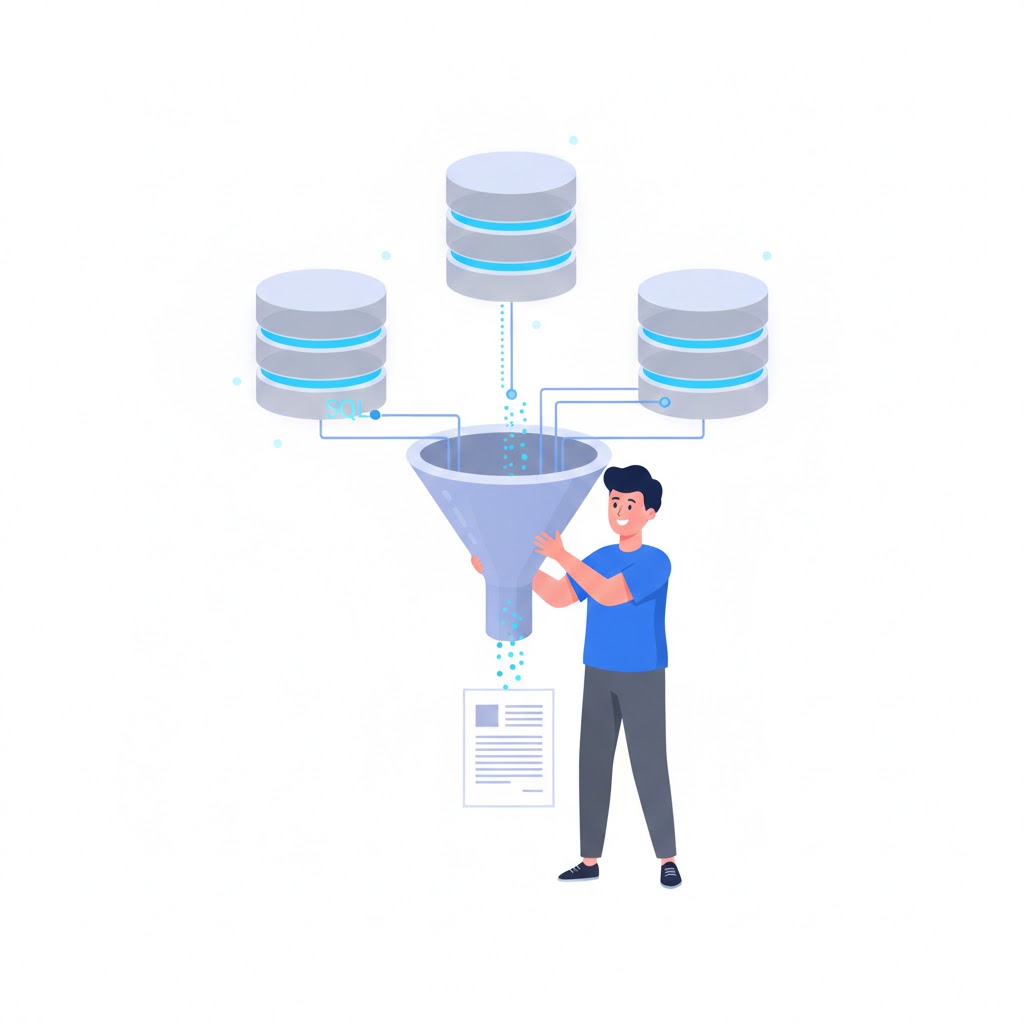
SQL (Structured Query Language) is the standard language for communicating with databases. It is arguably the most important skill for a data analyst.
Querying & Retrieval:
Write SELECT statements to retrieve specific data from large databases.
Use WHERE clauses to filter data based on specific conditions.
Implement ORDER BY, LIMIT, and DISTINCT to refine results.
Aggregation & Grouping:
Use aggregate functions: COUNT, SUM, AVG, MIN, MAX.
Group data using GROUP BY and filter groups using HAVING.
Advanced Queries:
JOINs: Combine data from multiple tables using Inner, Left, Right, and Full Joins.
Window Functions: Perform calculations across a set of table rows related to the current row (e.g., Running Totals, Ranking).
Why Choose Tulsi Academy for Data Science & Analytics?
Tool-Agnostic Approach: We train you on the most diverse stack—Python, SQL, Power BI, Tableau, and Excel—ensuring you are ready for any company’s tech environment.
Real-World Data Sets: Practice with industry-relevant datasets from Retail, Healthcare, and Finance, not just dummy data.
Project-Based Learning: Build a portfolio of dashboards and analysis reports that you can show recruiters.
Placement Support: Dedicated guidance on interview prep, resume building, and certification exams (Microsoft Power BI, Tableau Desktop Specialist).
Transform numbers into narratives and data into decisions. Join Tulsi Academy today.