Master Graphic Design & UI/UX: The Art of Visual Experience

Comprehensive Training in Design, Prototyping, Motion, and Video Editing

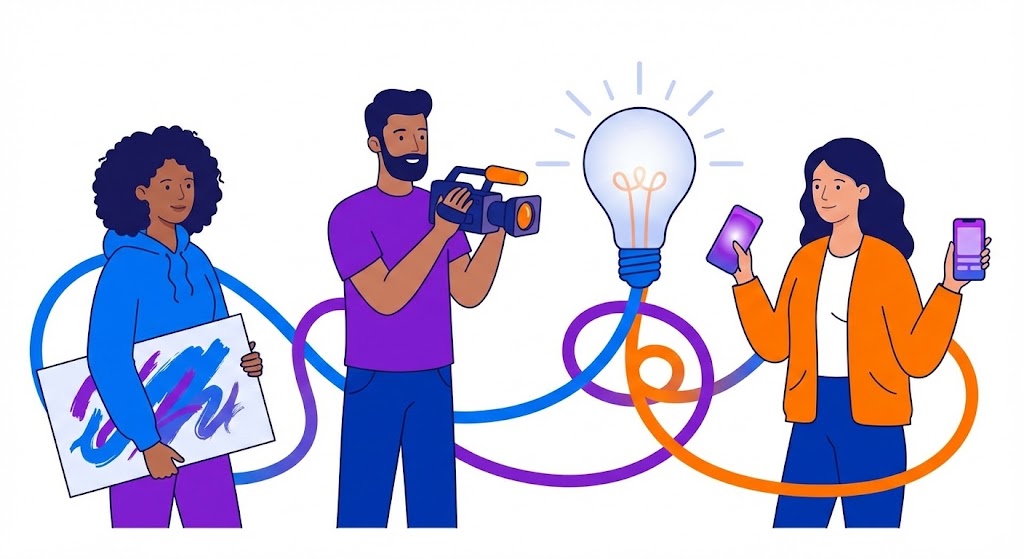
In a digital world where attention spans are short, visual storytelling is the most powerful tool to capture an audience. Whether it’s a stunning logo, an intuitive app interface, an engaging animation, or a cinematic video, creative professionals shape how we perceive brands and consume information. At Tulsi Academy, our Graphic Design & UI/UX curriculum is designed to turn your creativity into a marketable skill set.

From mastering the Adobe Creative Suite to understanding the psychology behind user experience (UX), we prepare you to build a career that blends art with technology.


Graphic Designing

This module is the cornerstone of visual communication. You will learn to manipulate photos and create scalable vector graphics for print and digital media.

  • Adobe Photoshop (Raster Graphics):
    • Image Manipulation: Master photo retouching, color correction, background removal, and compositing.
    • Graphic Elements: Learn to create banners, social media posts, brochures, and flyers using layers and masks.
    • Typography: Combine text and imagery to create stunning typographic posters and advertisements.
  • Adobe Illustrator (Vector Graphics):
    • Logo Design: Learn to create scalable logos and icons that look sharp at any size using the Pen Tool.
    • Illustration: Create custom illustrations, characters, and complex patterns.
    • Print Design: Prepare files for print production, understanding CMYK, bleeds, and resolutions.
  • Design Principles:
    • Master the fundamentals of Color Theory, Composition, Balance, and Hierarchy to create professional designs.

UI/UX Design

User Interface (UI) and User Experience (UX) design go beyond aesthetics; they focus on how a user interacts with a product. This module teaches you to design apps and websites that are intuitive, accessible, and enjoyable.

  • UX (User Experience) Research:
    • User Research: Learn to conduct user interviews and surveys to understand user needs.
    • Personas & Journeys: Create User Personas and map User Journey Flows to visualize the user’s path.
    • Wireframing: Create low-fidelity wireframes to structure layouts before adding visual details.
  • UI (User Interface) Design:
    • Visual Design: Apply typography, color theory, and iconography to create beautiful interfaces.

    • Design Systems: Build consistent component libraries (Buttons, Inputs, Cards) for scalable projects.
    • Responsiveness: Learn to design layouts that adapt seamlessly to mobile, tablet, and desktop screens.
 

Figma & Adobe XD

Bring your UI/UX designs to life using the industry’s leading prototyping and collaboration tools.

  • Figma Mastery:
    • Vector Networks: Utilize Figma’s powerful Pen Tool for precise design work.
    • Components & Variants: Create reusable components with different states (Hover, Active, Disabled).
    • Collaboration: Work in real-time with teams using “Multiplayer” mode and live comments.
    • Prototyping: link frames to create interactive prototypes with transitions and animations.
  • Adobe XD Essentials:
    • Auto-Animate: Learn to create fluid micro-interactions between artboards.
    • Repeat Grid: Quickly populate design elements like lists or photo galleries.
    • Voice Prototyping: Explore basic voice command interactions and audio playback.
    • Integration: Seamlessly integrate with Photoshop and Illustrator.
 

Motion Graphics

Static images are powerful, but motion captures attention. This module introduces you to the world of animation for digital media.

  • Adobe After Effects Fundamentals:
    • Keyframes & Graphs: Understand the timeline, keyframing, and graph editors to control motion.
    • Shape Layers & Typography: Animate text and vector shapes to create kinetic typography and lower thirds.
    • Compositing: Use blending modes, masks, and track mattes to combine visual elements.
  • Visual Effects & Animation:
    • Motion Principles: Apply squash and stretch, anticipation, and follow-through for realistic movement.
    • Logo Reveals: Create professional logo animation intros for videos.
    • Social Media Content: Design eye-catching animated posts for Instagram and LinkedIn.

Video Editing (Premiere Pro / After Effects)

Video is the dominant content format on the web. This module teaches you the technical and creative aspects of video production.

  • Adobe Premiere Pro:
    • Workflow: Set up a project, ingest footage, and organize media in bins.
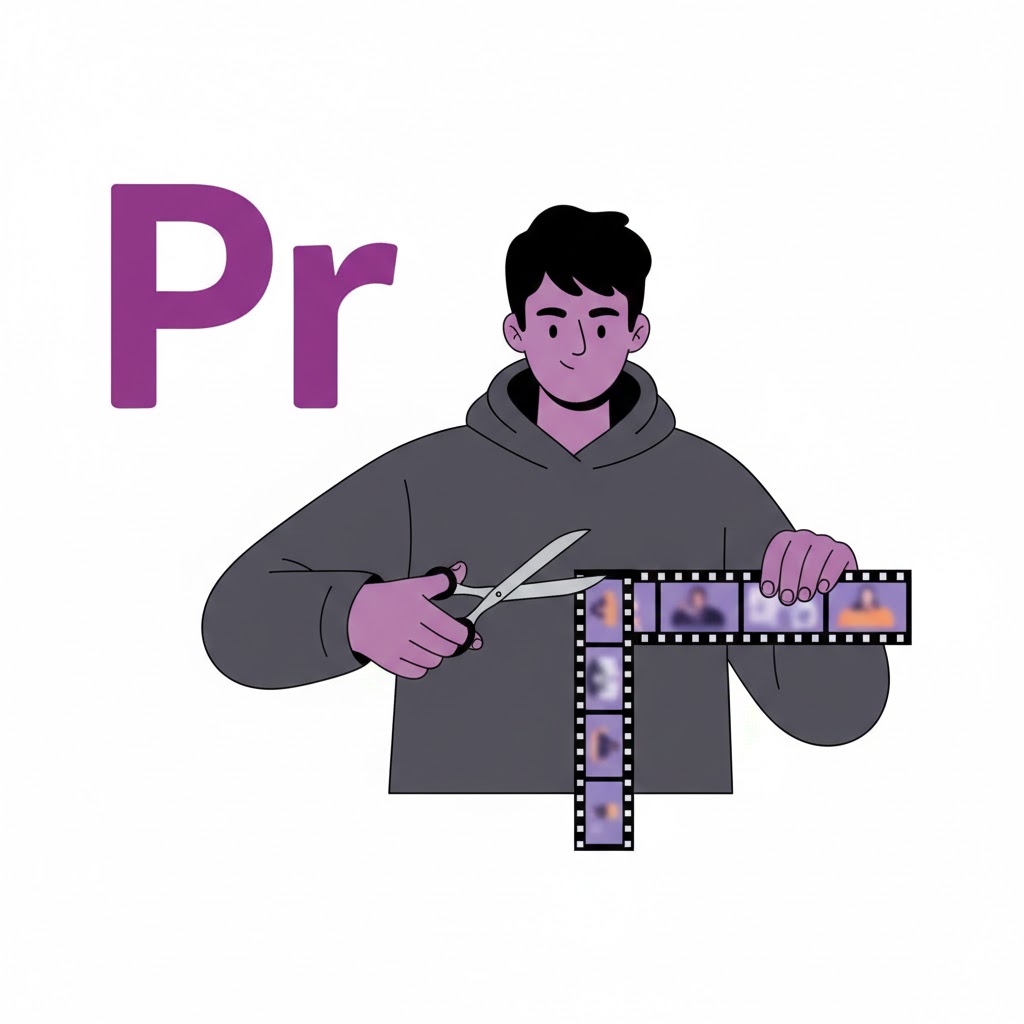
    • The Art of the Cut: Learn to edit clips on the timeline using ripple, roll, slip, and slide edits.
    • Audio Mixing: Clean up audio, add sound effects, and mix music tracks.
    • Color Correction & Grading: Fix white balance issues and apply cinematic color grades.
  • Advanced Editing & Effects:
    • Transitions & Titles: Add smooth transitions and professional motion titles.
    • Green Screen (Chroma Key): Remove backgrounds and replace them with custom footage.
    • Exporting: Learn to render videos in various formats (H.264, ProRes) optimized for YouTube, Vimeo, or broadcast.

Why Choose Tulsi Academy for Design?

  • Portfolio Development: We don’t just teach software; we help you build a professional portfolio (Behance/Dribbble) to showcase to clients.
  • Industry-Standard Tools: Get certified training in the Adobe Creative Cloud (Photoshop, Illustrator, XD, Premiere Pro, After Effects) and Figma.
  • Project-Based Learning: Work on real-world projects: designing a brand identity, creating a mobile app prototype, and editing a short film.
  • Creative Mentorship: Learn from practicing designers who understand industry trends and client demands.

Design your dream career. Join Tulsi Academy today.